Table of contents
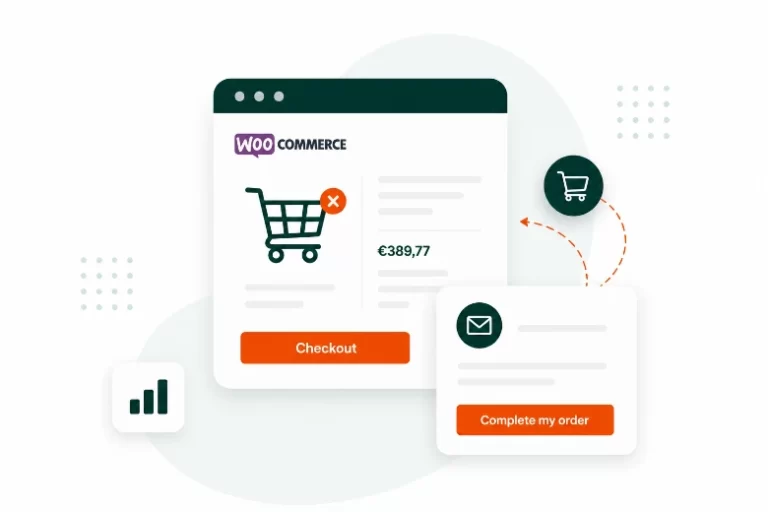
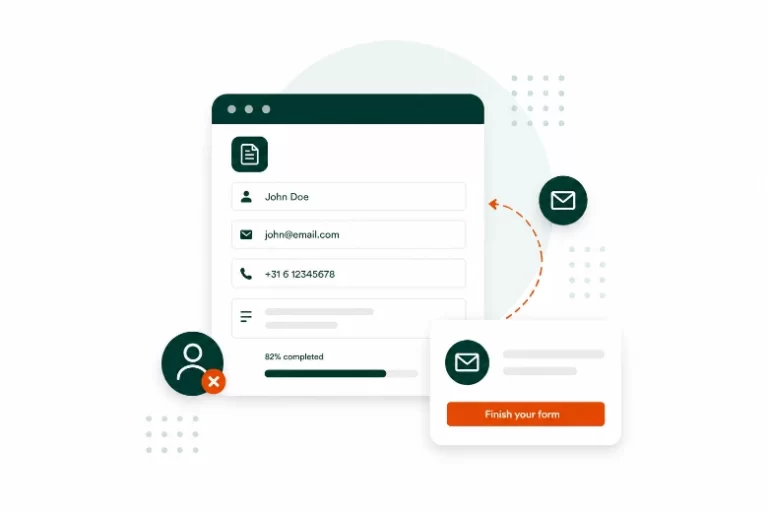
Leadsback helps you recover lost revenue by capturing partial form entries and abandoned checkout data, so you can follow up with visitors who didn’t quite finish. Leadsback itself is built to be GDPR compliant, but using it on your website also means you have a few responsibilities as the data controller. Here’s what you need to do to stay compliant.
1. Add Leadsback to your cookie consent tool
If you use a cookie consent manager like Cookiebot, OneTrust, or Complianz, you’ll need to register Leadsback as a data processor or script within your tool so visitors are properly informed and asked for consent before tracking starts.
Cookiebot: Go to your Cookiebot dashboard, add Leadsback under the relevant cookie category (likely “Functional” or “Statistics”), and include a short description of the data captured (partial form entries, abandoned checkout data).
OneTrust: In your OneTrust Cookie Consent dashboard, go to Cookie Compliance > Cookie List, add Leadsback as a new script/vendor entry, assign it to the appropriate category (Functional or Performance), and add a description of the data it collects.
Complianz: In the Complianz dashboard, go to Documents > Cookie Policy or Services, manually add Leadsback as a service under the relevant category, and describe what it does (captures partial form/checkout data for lead recovery).
2. Mention Leadsback in your privacy policy
Your privacy policy should disclose that you use Leadsback to capture and store partial form submissions and abandoned checkout data for the purpose of lead recovery.
Sample text you can adapt:
“We use Leadsback, a third-party service, to capture information entered into forms and checkout pages, even if not fully submitted. This allows us to follow up with visitors who did not complete their submission or purchase. For more information on how Leadsback processes data, see Leadsback’s privacy page.”
3. Inform users of their rights
Under GDPR, visitors have the right to access and request deletion of any personal data collected about them, including partial data Leadsback has captured before they left a form or checkout. Make sure:
- Your privacy policy explains how visitors can submit an access or deletion request
- You have a process in place to locate and remove a specific visitor’s captured data in Leadsback when requested
- Requests are handled by us within GDPR’s required timeframe (one month)
Summary checklist
- Add Leadsback to your cookie consent tool
- Update your privacy policy to mention Leadsback
- Confirm users can request access/deletion of captured data
- Review Leadsback’s own compliance documentation for reference
Questions?
Have questions about GDPR compliance with Leadsback? Feel free to contact us and we’ll help you get set up correctly.
Start recovering lost leads
Frequently asked questions
Leadsback gives you a clear overview of unfinished forms, abandoned checkouts and recovery performance.